

Pane Planner
Plan the day. Keep the round moving. Finish the paperwork.
See who is due, what each customer needs and what happened last time. Plan at a desk on Mac, then carry supported records on iPhone or iPad while you work. Pane Planner on iPhone and iPad remains fully featured on its own.

More time for the work
Keep the information you need close to the customer and reduce the evening job of piecing records together.
- Start the day with due, overdue and upcoming customers already together.
- Keep access notes, service notes, prices and visit history with each customer.
- Review round order and ask Apple Maps services for a route suggestion when you need one.
- Record what happened, return to saved drafts and prepare clear paperwork from the same records.
- Keep records on the device by default, or turn on private iCloud sync for supported information.
Keep the working day clear.
Pane Planner connects the jobs that normally create extra admin: deciding what is due, keeping a round in order, recording the visit and finding the detail later.
Know where to start
Open Today to see due, overdue and upcoming customers, the next visit and any addresses that need attention.
Arrive with the detail
Keep contact details, access notes, service notes, usual prices and visit history with the customer who needs them.
Finish the record once
Save the visit, review the next due date and use the same information for history, invoices, job records and exports.
Use the screen that suits the job.
Plan with more space when you want it, then take the same supported records with you. Pane Planner on iPhone and iPad is fully featured on its own; the included Mac app gives you another option for desk-based admin.
Carry the round on iPhone and iPad
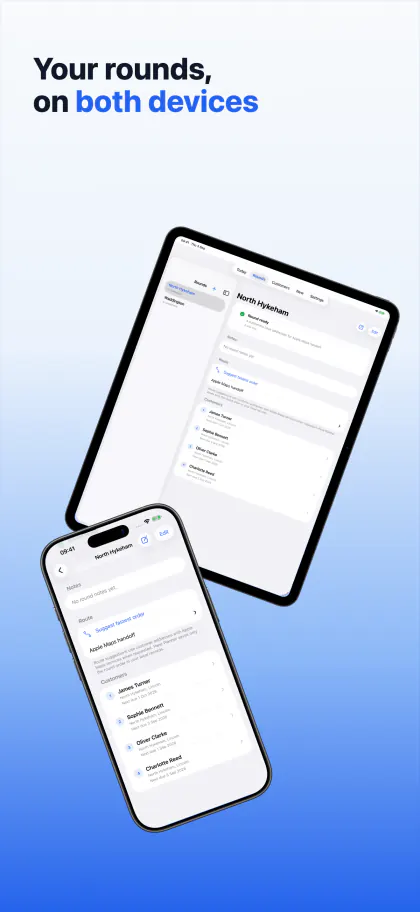
Check the next customer, record the visit and review the day without needing a Mac.
Make evening admin easier on Mac
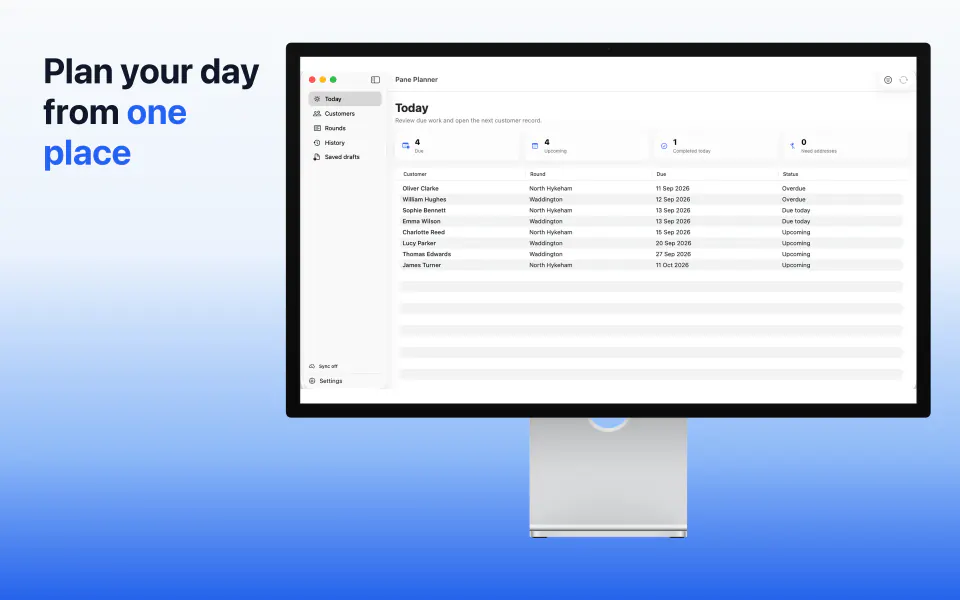
Use a larger screen, mouse and keyboard to review customers, organise rounds, import records and prepare paperwork.
Spend less time piecing the job together.
Each part of Pane Planner uses the same customer and visit information, so you can move from planning to recording and paperwork without starting again.
Start with a clear day
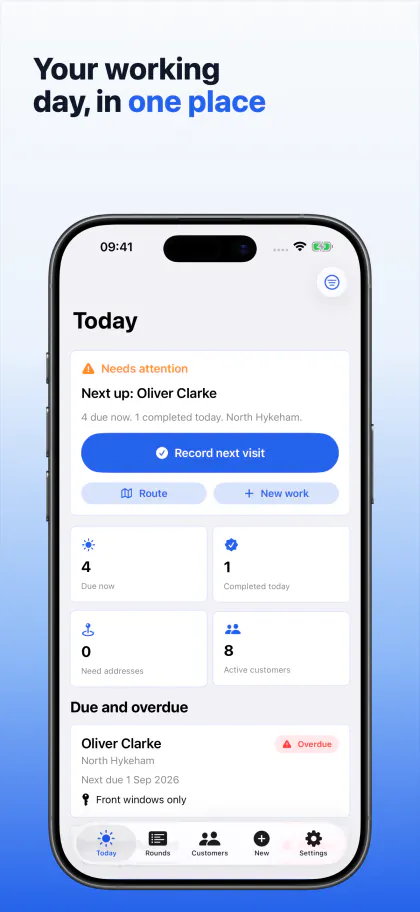
See due, overdue and upcoming customers before the day gets busy.
Keep rounds in order
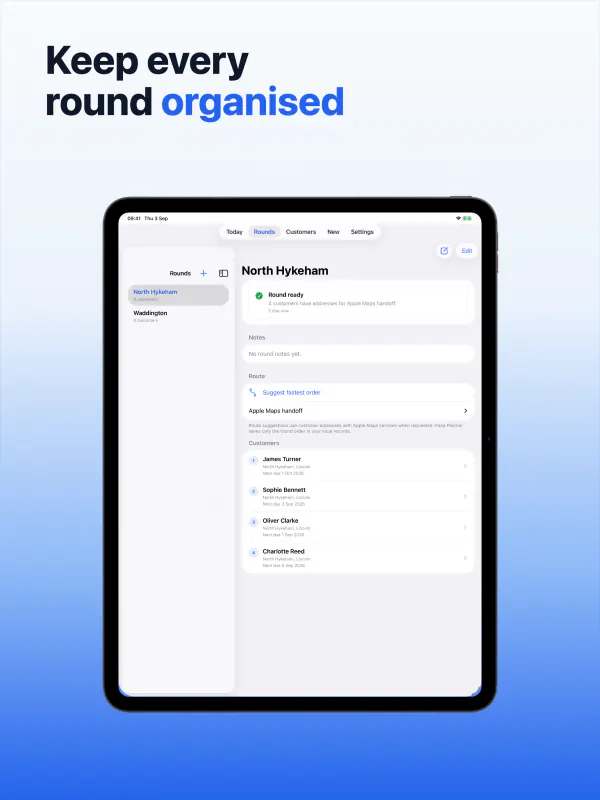
Group customers into practical rounds and keep the working order easy to review.
Find the answer later
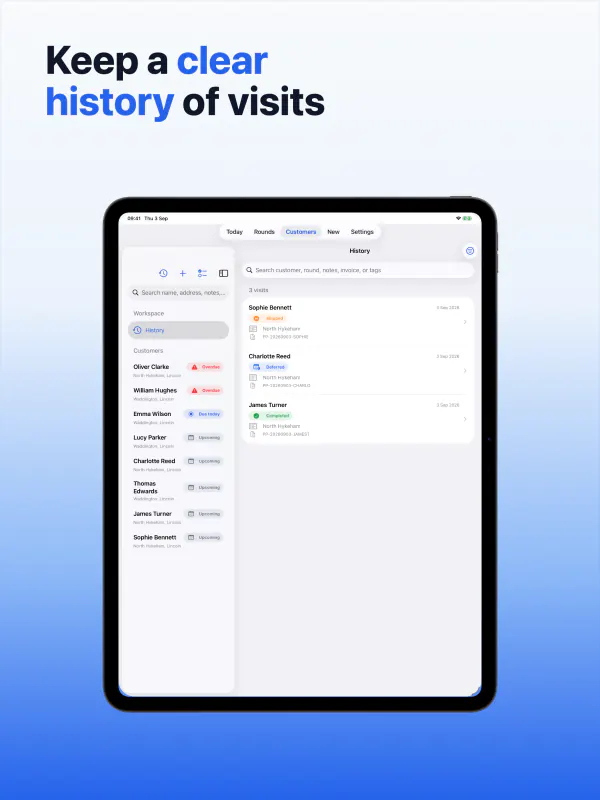
Search earlier visits when a customer asks what happened or when work is due.
Prepare clear customer paperwork
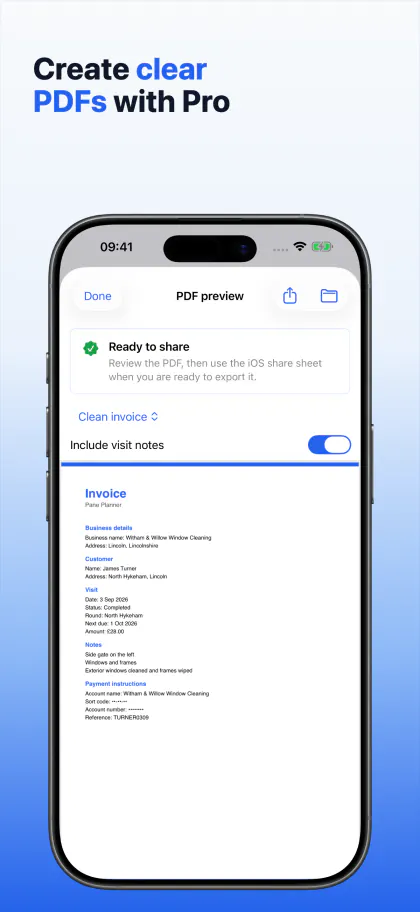
Turn the saved visit into an invoice, compact summary or detailed record with Pro.
Review a route suggestion
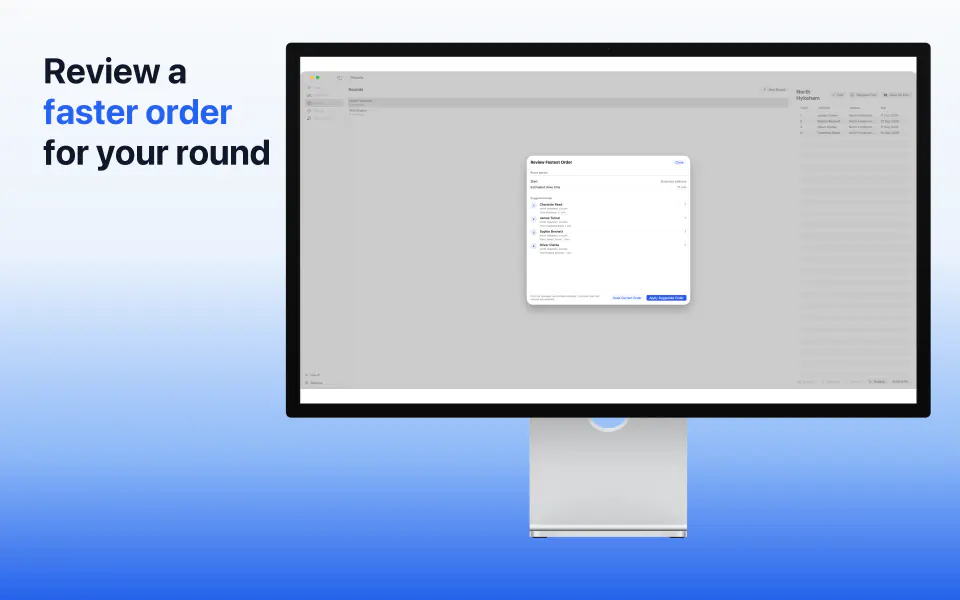
Ask Apple Maps services for a suggested order, then check it against the way you work before applying it.
Bring existing customers with you
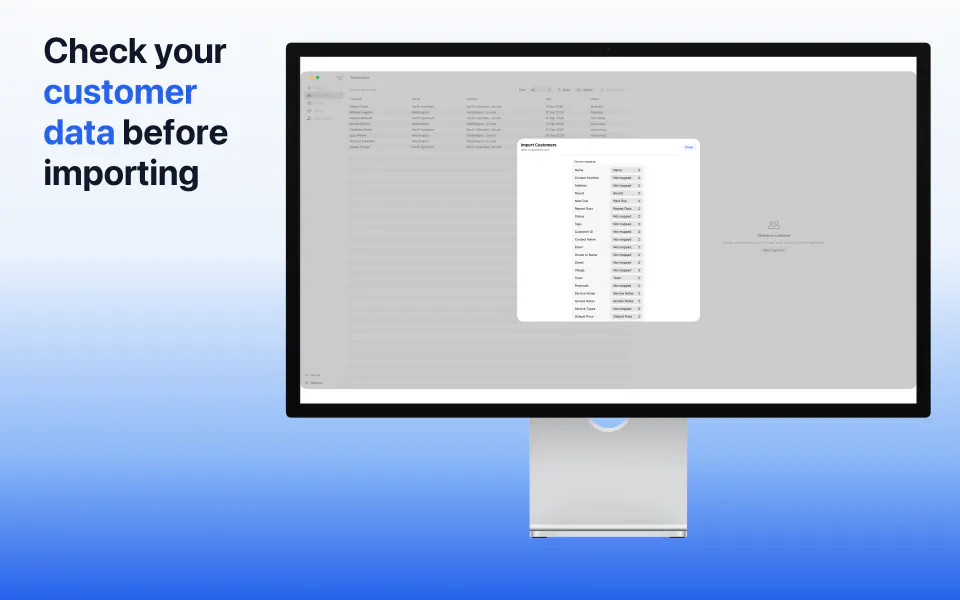
Match spreadsheet columns, review every proposed change and fix problems before anything is imported.
Start with the size of round you have today.
Use Starter for one active round and up to 30 active customers. Your existing records remain readable if you reach the limit.
Add Pro when you need more room
Work with more active rounds and customers without changing how you already use the app.
Turn saved work into useful records
Add proof photos, save useful filters, create branded PDFs and export customer or visit records as CSV.
Pay once across your Apple devices
One Pane Planner Pro subscription covers iPhone, iPad and Mac when the App Store uses the same Apple Account. No separate subscriptions are needed.
Keep control of your records.
Start without a Pane Planner login and keep records on the device by default. If you choose private iCloud sync, supported records can stay up to date across your devices using the same Apple Account; RGT Software Ltd does not receive those synced customer records.
Local unless you choose otherwise
Use Pane Planner on one device without turning on sync.
Private sync when it helps
Plan on one device and continue on another after supported records have synced through your private iCloud account.
Clear deletion choices
Delete only the local copy from one device, or use the separate confirmed action to permanently delete Pane Planner data from private iCloud and connected devices.